
Download Instaplay APK – video player SDK, app development tool, mobile video player, multimedia SDK, video streaming SDK, Android video player, developer toolkit
Overview
Instaplay is a specialized software solution designed for developers aiming to integrate a robust video playback system into their applications or websites. Unlike standalone media players, Instaplay functions as a Software Development Kit (SDK), offering the tools and frameworks necessary to build custom video players tailored to specific project needs. Its primary purpose is to empower developers with the ability to embed high-performance video playback features directly into their apps, supporting functionalities such as closed captions, audio adjustments, and customizable playback controls.
Target users include mobile and web developers working on video-centric platforms, including content delivery apps, educational software, live streaming services, and video-on-demand (VOD) platforms. The software is particularly suited for teams seeking to enhance user engagement through reliable, accessible, and feature-rich video experiences. While the developer, Instaplay, is identified in the metadata, no additional background on the company or its history is available.
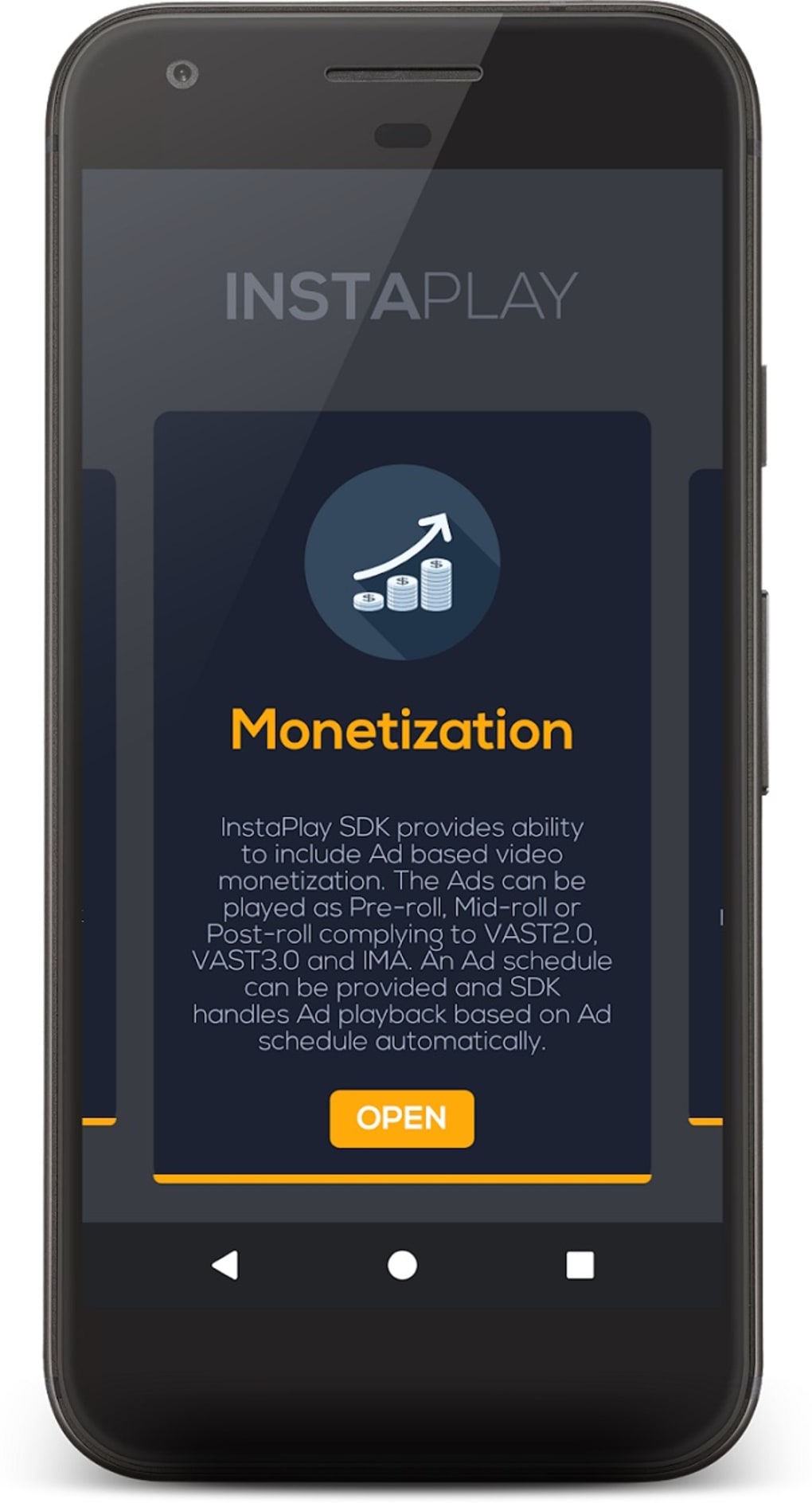
Real-world use cases include integrating video playback into e-learning apps, enabling live event streaming for sports or conferences, and supporting monetization through in-video advertisements. The SDK supports both on-demand and live streaming workflows, making it adaptable to diverse content delivery models. The developer did not provide additional system requirements, so compatibility and deployment details are limited to the Android platform.
Key Features & Capabilities
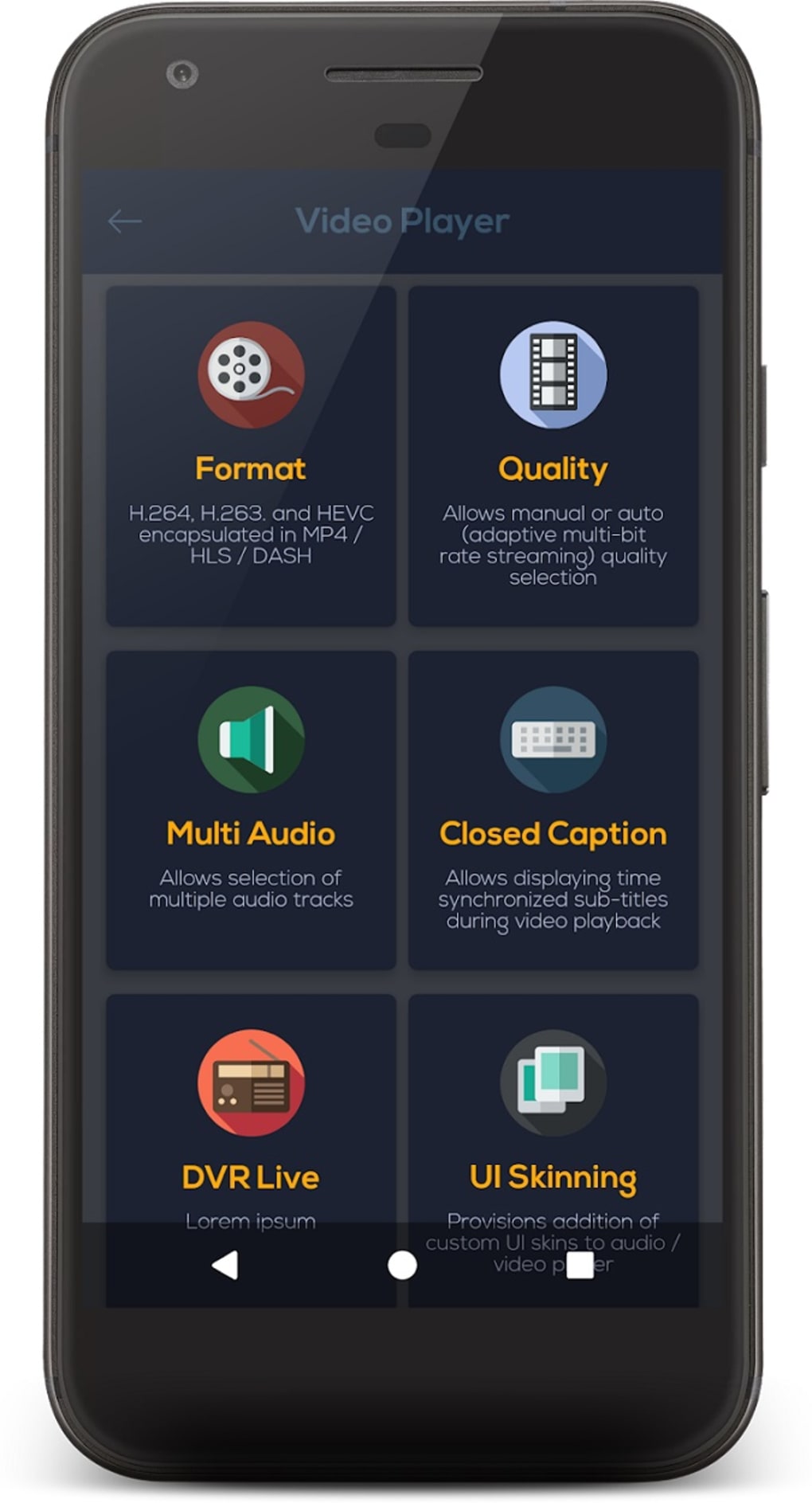
- Customizable Video Player Interface – Developers can adjust video dimensions, control button size, and tailor the visual layout to match the app’s branding and user experience standards.
- Support for Closed Captions and Subtitles – Enables accessibility by allowing developers to include synchronized text for hearing-impaired users and multilingual audiences.
- Adaptive and Manual Video Quality Selection – Offers users the ability to switch between different resolution levels based on bandwidth, improving playback reliability and user satisfaction.
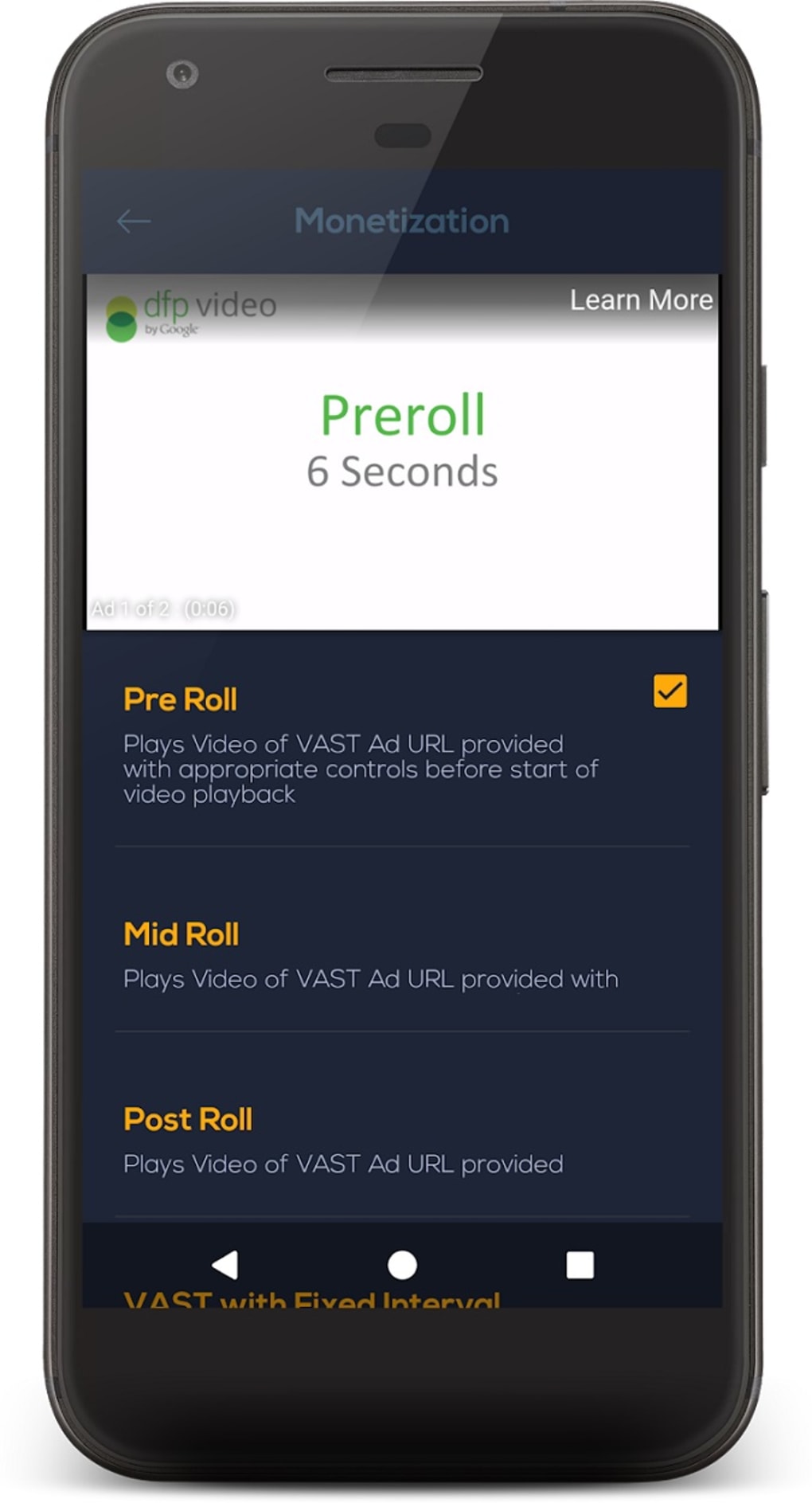
- Pre-roll, Mid-roll, and Post-roll Ad Integration – Supports monetization by allowing developers to schedule advertisements at strategic points during video playback.
- Video on Demand (VOD) and Live Streaming Support – Facilitates playback of recorded content and real-time streams, making it suitable for both scheduled and instant content delivery.
- Developer-Focused Technical Support – The SDK provides access to audio and video experts to assist with implementation, troubleshooting, and optimization.
These features enable developers to create fully functional, accessible, and monetizable video players without building the core playback engine from scratch. For example, an educational app developer can use Instaplay to embed videos with subtitles and adaptive quality, ensuring smooth playback on low-bandwidth connections. Similarly, a live event platform can leverage the SDK to deliver real-time streams with scheduled ad breaks.
User Interface, Workflow & Performance
As an SDK, Instaplay does not feature a standalone user interface. Instead, its integration occurs within the developer’s own application environment. The workflow involves downloading the SDK, configuring it within the development project, and implementing the required playback components through code. The developer did not specify resource usage details, so performance behavior in terms of CPU or RAM consumption remains unknown.
Based on general software behavior patterns, SDKs like Instaplay typically operate efficiently once properly integrated, with minimal overhead on the host application. Stability is expected to depend on the quality of implementation and adherence to best practices during integration. The learning curve is noted as moderate, primarily due to the need for coding knowledge and familiarity with multimedia frameworks.
Navigation and user interaction are not applicable in the traditional sense, as the end-user interface is defined entirely by the integrating developer. However, the SDK provides structured APIs and documentation to guide the implementation process. The developer did not specify performance benchmarks or testing results, so real-world responsiveness and load times cannot be evaluated.
Compatibility & System Requirements
Instaplay is designed for the Android operating system and is available in version 1.0.0. The installation size is 4.2 MB, indicating a lightweight footprint suitable for mobile app integration. The software is distributed as an APK file, which suggests it is intended for direct installation on Android devices, though its primary use is for development purposes.
Exact system requirements were not listed. Platform compatibility information is limited to Android, with no details provided on minimum Android version, device architecture, or supported screen resolutions. Hardware requirements such as GPU or processor specifications are not specified. The developer did not provide information on whether the SDK supports other platforms such as iOS or web browsers.
Pros and Cons
Pros
- Free-to-use SDK with no licensing fees
- Supports both video-on-demand and live streaming
- Enables monetization through pre-roll, mid-roll, and post-roll ads
- Offers accessibility features like closed captions and subtitles
- Provides customizable player UI elements
- Includes technical support from audio and video experts
Cons
- No standalone user interface; requires development expertise
- Limited compatibility information beyond Android
- Learning curve may be steep for beginners
- Performance and resource usage details not disclosed
- No information on cross-platform support
FAQ Section
Is Instaplay available for iOS or web platforms?
The developer did not provide information on whether Instaplay supports iOS or web-based applications. The current release is targeted at Android.
Is Instaplay safe to download and use?
Instaplay is distributed as a free APK file. While the developer is identified, no third-party security audits or verification details were provided. Users should ensure they download from trusted sources.
Does Instaplay require an internet connection to function?
Instaplay itself does not require a constant internet connection once integrated, but features like live streaming and ad delivery depend on network availability.
How often are updates released for Instaplay?
The release date of version 1.0.0 was April 10, 2024. No information is available on update frequency or release schedule.
Can I use Instaplay in commercial applications?
Yes, Instaplay is free to use, and the developer did not restrict its use in commercial projects. However, users should review any associated terms of service.
Final Thoughts
Instaplay presents a compelling option for Android developers seeking to embed advanced video playback capabilities into their applications. Its comprehensive feature set—including support for live streaming, video monetization, accessibility tools, and customizable interfaces—makes it a versatile tool for content-driven apps. While it lacks a standalone interface and requires coding knowledge, its developer support and free availability reduce the barrier to entry for teams with technical resources.
For developers building video-centric platforms, Instaplay offers a powerful foundation to deliver seamless, scalable, and accessible video experiences. Although system requirements and performance metrics are not detailed, the SDK’s lightweight size and Android focus suggest efficient integration. The absence of cross-platform support and limited documentation may pose challenges for broader adoption.
Overall, Instaplay is a capable and developer-friendly toolkit for enhancing video functionality in Android apps. Download Instaplay now to build your next-generation video player.






.png)
